

Figma-Context-MCP
MCP server to provide Figma layout information to AI coding agents like Cursor
- 16.1k estrellas
- 1.3k forks
- 28 issues abiertos
- Lenguaje: TypeScript
- Licencia: MIT
- actualizado
Instalación
git clone https://github.com/GLips/Figma-Context-MCP{
"mcpServers": {
"figma-context-mcp": {
"command": "node",
"args": ["/path/to/Figma-Context-MCP/dist/index.js"]
}
}
}{
"mcpServers": {
"figma-context-mcp": {
"command": "node",
"args": ["/path/to/Figma-Context-MCP/dist/index.js"]
}
}
}- Run the command above in your terminal (Claude Code), or paste the JSON config into claude_desktop_config.json (Claude Desktop).
- Replace any <placeholder> values with your API keys or paths.
- Restart Claude. The MCP server and its tools appear automatically.
Clone https://github.com/GLips/Figma-Context-MCP and follow its README for install instructions.
Nota editorial
Framelink MCP for Figma is a Model Context Protocol server, published as the npm package `figma-developer-mcp`, that gives AI coding agents direct access to Figma file data by querying the Figma REST API. A developer pastes a Figma file, frame, or group URL into their editor's chat, and the server fetches the corresponding layout and styling metadata, strips out irrelevant fields, and delivers a simplified response to the model. That deliberate trimming of the Figma API response is the key design choice: reducing context size is intended to improve code accuracy compared to alternatives like pasting screenshots. The server connects to any MCP-compatible client through stdio or an HTTP port and is configured via a JSON block in the editor's MCP server config file, requiring a Figma personal access token. Front-end developers and designers who work in Figma and want to translate those designs into code using Claude or other AI agents in Cursor or similar editors are the primary audience.
Resumen de MCP Servers
Framelink MCP for Figma Give your coding agent access to your Figma data.Implement designs in any framework in one-shot.
Give Cursor and other AI-powered coding tools access to your Figma files with this Model Context Protocol server.
When Cursor has access to Figma design data, it's way better at one-shotting designs accurately than alternative approaches like pasting screenshots.
See quickstart instructions →
Demo
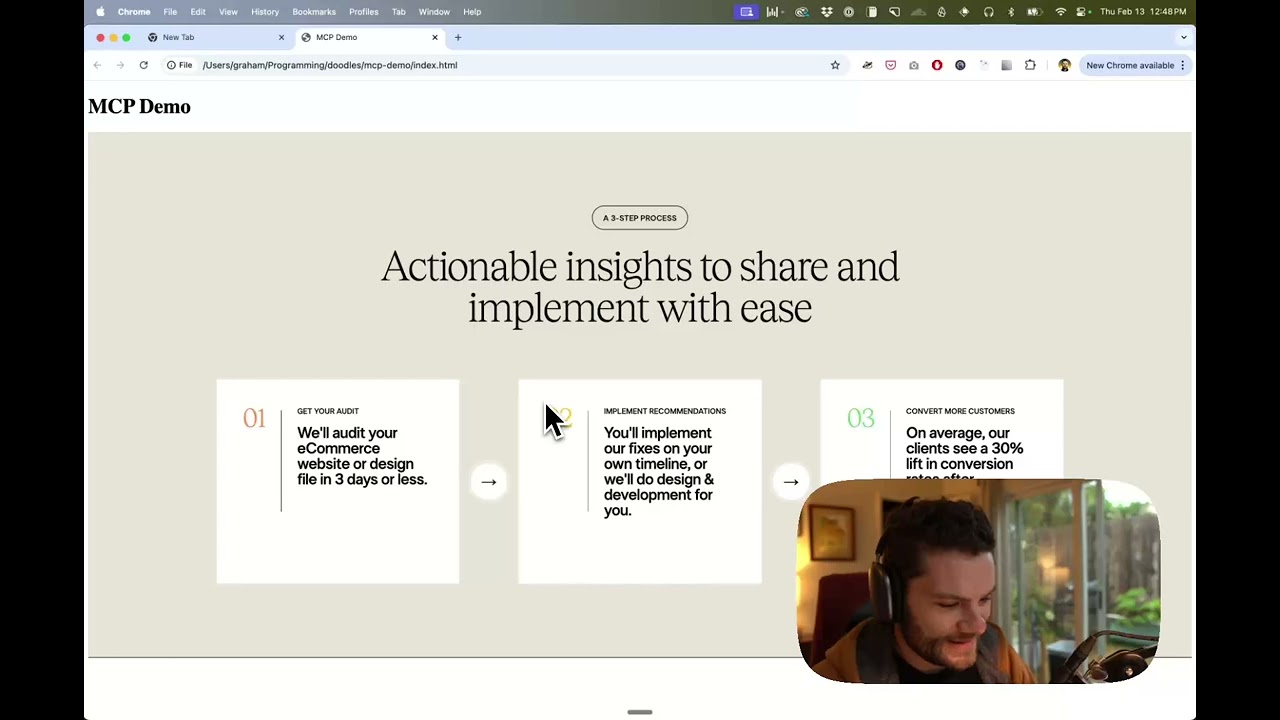
Watch a demo of building a UI in Cursor with Figma design data
How it works
Open your IDE's chat (e.g. agent mode in Cursor).
Paste a link to a Figma file, frame, or group.
Ask Cursor to do something with the Figma file—e.g. implement the design.
Cursor will fetch the relevant metadata from Figma and use it to write your code.
This MCP server is specifically designed for use with Cursor. Before responding with context from the Figma API, it simplifies and translates the response so only the most relevant layout and styling information is provided to the model.
Reducing the amount of context provided to the model helps make the AI more accurate and the responses more relevant.
Getting Started
Many code editors and other AI clients use a configuration file to manage MCP servers.
The figma-developer-mcp server can be configured by adding the following to your configuration file.
NOTE: You will need to create a Figma access token to use this server. Instructions on how to create a Figma API access token can be found here.
MacOS / Linux
{
  "mcpServers": {
    "Framelink MCP for Figma": {
      "command": "npx",
      "args": ["-y", "figma-developer-mcp", "--figma-api-key=YOUR-KEY", "--stdio"]
    }
  }
}
Windows
{
  "mcpServers": {
    "Framelink MCP for Figma": {
      "command": "cmd",
      "args": ["/c", "npx", "-y", "figma-developer-mcp", "--figma-api-key=YOUR-KEY", "--stdio"]
    }
  }
}
Or you can set FIGMA_API_KEY and PORT in the env field.
If you need more information on how to configure the Framelink MCP for Figma, see the Framelink docs.
Star History
Learn More
The Framelink MCP for Figma is simple but powerful. Get the most out of it by learning more at the Framelink site.
Lo que la gente pregunta sobre Figma-Context-MCP
¿Qué es GLips/Figma-Context-MCP?
GLips/Figma-Context-MCP es mcp servers para el ecosistema de Claude AI. MCP server to provide Figma layout information to AI coding agents like Cursor Tiene 16.1k estrellas en GitHub y su última actualización registrada es del 2026-10-16.
¿Cómo se instala Figma-Context-MCP?
Puedes instalar Figma-Context-MCP clonando el repositorio (https://github.com/GLips/Figma-Context-MCP) o siguiendo las instrucciones del README en GitHub. ClaudeWave también te ofrece bloques de instalación rápida en esta misma página.
¿Es seguro usar GLips/Figma-Context-MCP?
Nuestro agente de seguridad ha analizado GLips/Figma-Context-MCP y le ha asignado un Trust Score de 100/100 (tier: Verified). Revisa el desglose completo de comprobaciones superadas y flags en esta página.
¿Quién mantiene GLips/Figma-Context-MCP?
GLips/Figma-Context-MCP es mantenido por GLips. La última actividad registrada en GitHub es del 2026-10-16, con 28 issues abiertos.
¿Hay alternativas a Figma-Context-MCP?
Sí. En ClaudeWave puedes explorar mcp servers similares en /categories/mcp, ordenados por popularidad o actividad reciente.
¿Mantienes este repo? Muestra su Trust Score en tu README
La insignia muestra el Trust Score y el veredicto actuales de este repositorio y enlaza a esta página. Sigue los datos del catálogo: nadie puede comprar ni editar la puntuación que enseña.
[](https://claudewave.com/en/repo/glips-figma-context-mcp)<a href="https://claudewave.com/en/repo/glips-figma-context-mcp"><img src="https://claudewave.com/api/badge/glips-figma-context-mcp" alt="ClaudeWave Trust Score for GLips/Figma-Context-MCP" width="320" height="64"></a>