

Open-source AI content studio for Instagram creators, built on Claude and the official Instagram API
- ✓Open-source license (MIT)
- ✓Actively maintained (<30d)
- ✓Clear description
- ✓Topics declared
- ✓Documented (README)
- !Install pipes a remote script into a shell (curl | sh)
claude mcp add creatorloop -- uvx creatorloop-setup{
"mcpServers": {
"creatorloop": {
"command": "uvx",
"args": ["creatorloop-setup"]
}
}
}Resumen de MCP Servers
<!-- mcp-name: io.github.pandich93/creatorloop -->
<div align="center">
# creatorloop
**Open-source AI content studio for Instagram creators, built on Claude and the official Instagram API.**
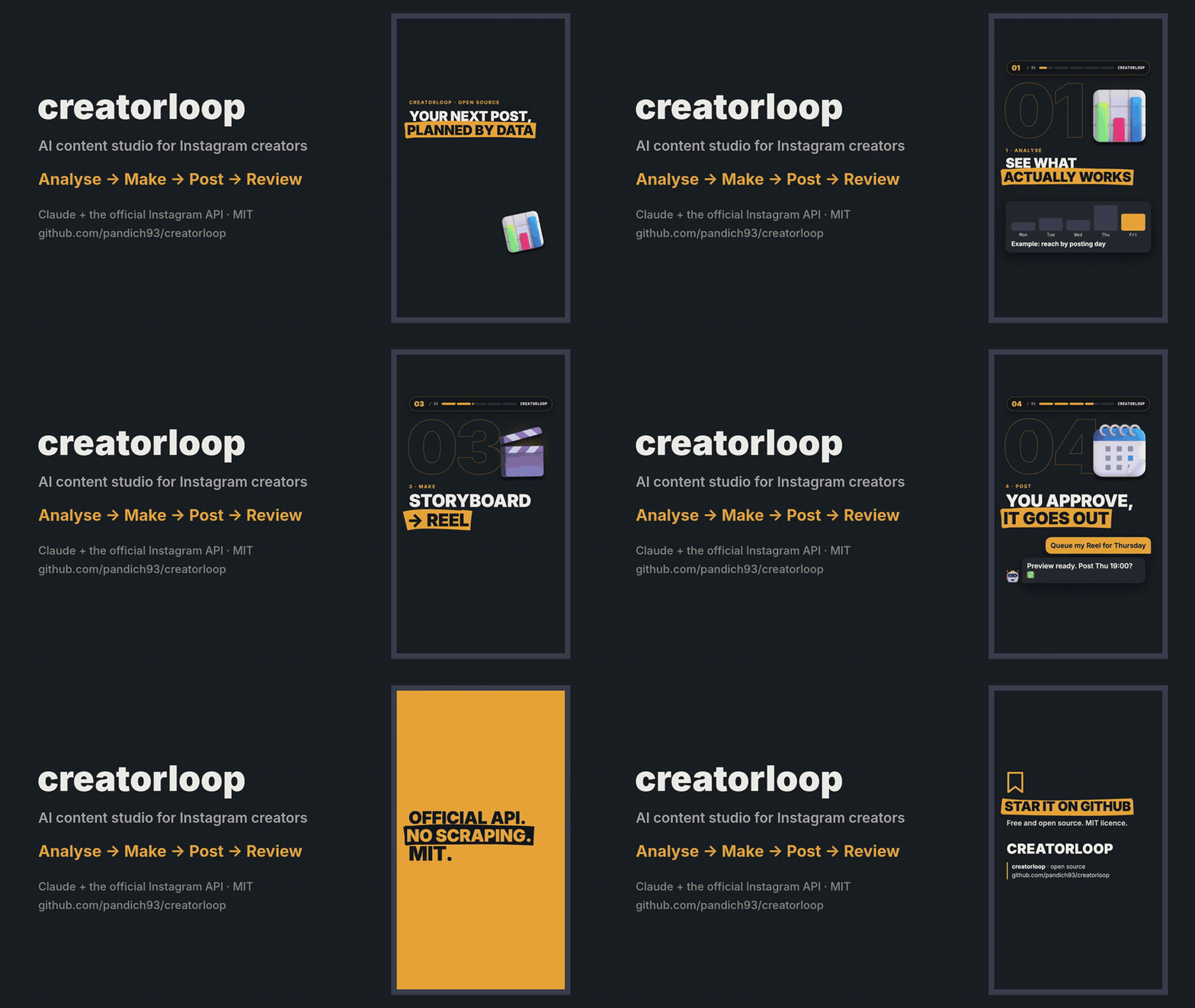
Analyse what works → make Reels and carousels → publish or queue them → review how they did. All from a chat with Claude.
[](https://github.com/pandich93/creatorloop/actions/workflows/ci.yml)
[](https://pypi.org/project/creatorloop/)
[](https://www.python.org/)
[](LICENSE)
[Русский](https://github.com/pandich93/creatorloop/blob/main/README.ru.md) · [Oʻzbekcha](https://github.com/pandich93/creatorloop/blob/main/README.uz.md)
</div>
## Why
There are plenty of "Instagram API for Claude" servers. creatorloop is built for the **creator's loop** instead:
- **Learn from data, not vibes.** Best and worst posts with their hooks, format comparison, follows per 1,000 reach,
Reels watch time, best day and hour — and which captions (language, question hook, CTA, length) actually work.
- **Spy on competitors legally.** Track professional accounts, keep their follower history, and get alerted to the
posts that did N× better than their median. Analyse any public post by URL, slides included.
- **Make the content.** A Remotion Reel template with automatic checks (first-second rule, safe zones, "not a copy of
the carousel"), original music and licensed 3D objects.
- **Publish safely.** Two-step publishing with a preview, a queue with fingerprints (a changed file blocks the post),
24 h / 72 h post reviews and comment replies — every public action needs your explicit OK.
- **Official API only.** No scraping, no browser automation, no risk to your account.
## Quick start
You need [uv](https://docs.astral.sh/uv/getting-started/installation/), [Claude Desktop](https://claude.ai/download),
an Instagram **Business or Creator** account linked to a **Facebook Page**, and your own Meta app
([5-minute guide](https://github.com/pandich93/creatorloop/blob/main/docs/meta-setup.md)).
```bash
uvx --from creatorloop creatorloop-setup # 1. connect to Claude Desktop, create the settings file
```
2. Put your app's `META_APP_ID` and `META_APP_SECRET` into the settings file the command printed.
3. Save a 60-day token and find your account ID (the short-lived token comes from Graph API Explorer, see the guide):
```bash
uvx --from creatorloop creatorloop-auth exchange --short-token <TOKEN> --write
uvx --from creatorloop creatorloop-auth whoami --write
uvx --from creatorloop creatorloop-auth check # → OK: @your_account followers=...
```
Restart Claude Desktop and ask: *"How did my last 10 posts do, and what should I post next?"*
<details>
<summary>Installing uv</summary>
| System | Command |
|---|---|
| Windows | `powershell -ExecutionPolicy ByPass -c "irm https://astral.sh/uv/install.ps1 \| iex"` |
| macOS | `brew install uv` or `curl -LsSf https://astral.sh/uv/install.sh \| sh` |
| Linux | `curl -LsSf https://astral.sh/uv/install.sh \| sh` |
uv downloads Python 3.14 by itself if you don't have it.
</details>
`creatorloop-setup` finds the Claude Desktop config on Windows (including the Microsoft Store build), macOS and Linux,
keeps your other servers, makes a backup and creates your settings file. Claude Desktop rewrites its config while it
runs, so on macOS the command quits and reopens it for you; on Windows and Linux it asks you to quit it first.
## What you can ask
- "Make a report on my content for the last 60 days. Reels or carousels — what works better, and when should I post?"
- "Compare me with @competitor1 and @competitor2. Who has the higher engagement and why?"
- "Analyse this post https://www.instagram.com/p/… and write my own version of it."
- "Track @competitor and tell me every week which of their posts took off."
- "Check the hashtags #ai, #productivity and #startup. Check the quota first."
- "Queue the post from folder `my-first-reel` for the next free slot." → preview → "yes" → it goes out on time.
- "Which new comments haven't I answered? Draft replies." → you approve each reply.
Ready-made prompts in Claude Desktop's **+** menu: *Weekly Instagram report*, *Competitor brief*, *Data-driven content ideas*.
## Tools
| Area | Tools |
|---|---|
| Your account | `get_my_profile`, `get_my_media`, `get_media_insights`, `get_account_insights`, `get_audience_demographics` |
| Content analysis | `get_my_content_report`, `get_caption_insights`, `get_post_history`, `post_reviews` |
| Competitors | `get_competitor`, `compare_accounts`, `get_follower_history`, `track_competitor`, `untrack_competitor`, `list_tracked_competitors`, `update_tracked_competitors`, `find_viral_posts`, `get_competitor_post` |
| Hashtags | `search_hashtag`, `compare_hashtags`, `plan_hashtag_research` |
| Publishing | `prepare_post`, `get_post_job`, `publish_media`, `list_publications` |
| Queue | `queue_post`, `list_queue`, `cancel_queued` |
| Comments | `get_new_comments`, `reply_comment` |
| Service | `get_api_status`, `clear_cache`, `restart_server` |
33 tools in total. Tools that change something on Instagram are annotated as such for Claude, and their descriptions
tell it to act only after you approve: `publish_media` and `reply_comment` after you OK the preview or the exact
text, `queue_post` only with `confirm=true` after you saw the preview.
## Publishing
Put the files into a folder inside your **content folder** (`<creatorloop home>/content/<name>/`):
```
my-carousel/ my-reel/
slide_01.png … slide_10.png reel.mp4 # H.264/HEVC, 23–60 fps, ≤1920 px wide, 3 s–15 min, ≤300 MB
caption.txt caption.txt
reel.json # optional: {"cover_ms": 1667, "share_to_feed": true, "trial": "SS_PERFORMANCE"}
```
- Slides: 1–10 PNG/JPG (API limit), aspect ratio 4:5 to 1.91:1, ordered by file name. Everything below a `---` line in
`caption.txt` is notes and is not published.
- Then: "prepare the post from folder `my-carousel`" → preview → "publish". Or queue it for a slot.
- Carousels: Instagram downloads images from a public URL, so creatorloop opens a temporary
[Cloudflare Quick Tunnel](https://developers.cloudflare.com/cloudflare-one/connections/connect-networks/do-more-with-tunnels/trycloudflare/)
for that minute. Install `cloudflared` once: `winget install --id Cloudflare.cloudflared -e` (Windows),
`brew install cloudflared` (macOS) or a package from [pkg.cloudflare.com](https://pkg.cloudflare.com/index.html) (Linux).
- Reels upload directly to Meta (no tunnel). The MP4 header is checked before upload (duration, size, width,
`moov` first) with the exact `ffmpeg` fix if something is off.
- Queue slots default to Tue/Thu/Sun 19:00 in your timezone — an example, change `QUEUE_SLOTS` in the settings file.
A queued post is blocked if its files or caption change after you approved it, and is marked missed if your
computer was asleep for more than 3 hours past the slot.
- Meta's limit is 100 posts per rolling 24 hours; `list_publications` shows what is left. Publishing is never retried
automatically, so there are no duplicates.
Making the content itself: see [`examples/`](https://github.com/pandich93/creatorloop/blob/main/examples) and the [content pipeline](https://github.com/pandich93/creatorloop/blob/main/docs/content-pipeline.md) —
a sample carousel, a sample Reel storyboard and the Remotion Reel template.
## What the Instagram API allows (and doesn't)
| | Possible | Not possible |
|---|---|---|
| **Your account** | Reach, views, likes, comments, saves, shares, profile visits, follows per post, Reels average watch time, audience demographics, account totals | Data older than 2 years; insights per carousel slide; Stories after 24 h |
| **Competitors** (Business Discovery) | Public data of Business/Creator accounts: followers, posts, bio, likes, comments, Reels views per post | Personal or private accounts; their reach, saves, shares, demographics; Stories |
| **Hashtags** | Top posts and posts from the last 24 h | More than **30 unique hashtags per rolling 7 days**; post authors; keyword, audio or trend search |
| **Follower growth** | creatorloop saves a daily snapshot for you and every competitor you look at | History before the first snapshot |
Engagement rate for your posts = Σ(likes + comments + saves + shares) / Σreach × 100 (weighted, so tiny posts don't
skew it). Posts younger than 72 h are reported separately as "still growing". Competitors' ER is per follower — the
API does not expose their reach.
## Settings
`creatorloop-setup` creates `.env` in your creatorloop home folder:
| System | Home folder |
|---|---|
| Windows | `%APPDATA%\creatorloop` |
| macOS | `~/Library/Application Support/creatorloop` |
| Linux | `~/.local/share/creatorloop` (or `$XDG_DATA_HOME/creatorloop`) |
Set `CREATORLOOP_HOME` to use another folder. The home folder holds `.env`, the `creatorloop.db` database and the
`content/` folder.
| Variable | Required | Meaning |
|---|---|---|
| `IG_ACCESS_TOKEN` | yes | Long-lived (60 days) or System User (never expires) token — see [Meta setup](https://github.com/pandich93/creatorloop/blob/main/docs/meta-setup.md) |
| `IG_USER_ID` | yes | Your Instagram professional account ID (`1784…`), not the username |
| `GRAPH_API_VERSION` | no | Default `v26.0` |
| `META_APP_ID`, `META_APP_SECRET` | no | Only for `creatorloop-auth exchange` |
| `IG_TIMEZONE` | no | IANA name, e.g. `Europe/Berlin`. Default: your computer's timezone |
| `QUEUE_SLOTS` | no | e.g. `Mon,Wed,Fri 20:00` |
| `IG_DB_PATH`, `CACHE_TTL_*_MIN` | no | Database location, cache lifetime in minutes |
TLo que la gente pregunta sobre creatorloop
¿Qué es pandich93/creatorloop?
+
pandich93/creatorloop es mcp servers para el ecosistema de Claude AI. Open-source AI content studio for Instagram creators, built on Claude and the official Instagram API Tiene 0 estrellas en GitHub y su última actualización registrada es del 2026-10-12.
¿Cómo se instala creatorloop?
+
Puedes instalar creatorloop clonando el repositorio (https://github.com/pandich93/creatorloop) o siguiendo las instrucciones del README en GitHub. ClaudeWave también te ofrece bloques de instalación rápida en esta misma página.
¿Es seguro usar pandich93/creatorloop?
+
Nuestro agente de seguridad ha analizado pandich93/creatorloop y le ha asignado un Trust Score de 87/100 (tier: Trusted). Revisa el desglose completo de comprobaciones superadas y flags en esta página.
¿Quién mantiene pandich93/creatorloop?
+
pandich93/creatorloop es mantenido por pandich93. La última actividad registrada en GitHub es del 2026-10-12, con 5 issues abiertos.
¿Hay alternativas a creatorloop?
+
Sí. En ClaudeWave puedes explorar mcp servers similares en /categories/mcp, ordenados por popularidad o actividad reciente.
Despliega creatorloop en tu cloud
Lleva este repo a producción en minutos. Cada plataforma genera su propio entorno con variables de entorno editables.
¿Mantienes este repo? Añade un badge a tu README
Pega el badge en tu README de GitHub para mostrar que está auditado por ClaudeWave. Cada badge enlaza de vuelta a esta página y muestra el Trust Score actual.
[](https://claudewave.com/repo/pandich93-creatorloop)<a href="https://claudewave.com/repo/pandich93-creatorloop"><img src="https://claudewave.com/api/badge/pandich93-creatorloop" alt="Featured on ClaudeWave: pandich93/creatorloop" width="320" height="64" /></a>Más MCP Servers

Fair-code workflow automation platform with native AI capabilities. Combine visual building with custom code, self-host or cloud, 400+ integrations.

Reverse engineer anything with agents, from app behavior down to native binaries.

User-friendly AI Interface (Supports Ollama, OpenAI API, ...)

An open-source AI agent that brings the power of Gemini directly into your terminal.

Real-time global intelligence dashboard. AI-powered news aggregation, geopolitical monitoring, and infrastructure tracking in a unified situational awareness interface

🕷️ An adaptive Web Scraping framework that handles everything from a single request to a full-scale crawl! Don't be shy, join here: https://discord.gg/EMgGbDceNQ and follow here for daily tips and tricks: https://x.com/Scrapling_dev