

agent-skills
Production-grade engineering skills for AI coding agents.
- 109.8k stars
- 11.4k forks
- 148 open issues
- Language: JavaScript
- License: MIT
- updated
Install
git clone https://github.com/addyosmani/agent-skills && cp agent-skills/*.md ~/.claude/agents/- Clone the repository and copy the agent .md definitions into ~/.claude/agents (or .claude/agents inside a project).
- Start a new Claude Code session to load the agents.
- Delegate work to them with the Task/Agent tool or by name.
Editor's note
Agent Skills is a collection of 23 structured Markdown-based workflow files designed to encode senior-engineer practices into AI coding agents, with primary support for Claude Code via its plugin marketplace. Installation on Claude Code takes two commands, and the pack exposes seven slash commands covering the full development lifecycle: `/spec`, `/plan`, `/build`, `/test`, `/review`, `/code-simplify`, and `/ship`. A notable detail is `/build auto`, which generates a plan and executes every task in a single approved pass while still committing each task individually and pausing on failures, removing manual stepping between tasks without eliminating verification. Beyond Claude Code, the skills work with Cursor, Gemini CLI, Windsurf, GitHub Copilot, and any agent that accepts Markdown instruction files. Skills also activate contextually based on detected work type, so building UI triggers the frontend engineering skill automatically. The collection targets software engineers and teams who want consistent, test-driven, incrementally committed workflows across whichever AI coding agent they use.
24 items in this repository
Guides stable API and interface design. Use when designing APIs, module boundaries, or any public interface. Use when creating REST or GraphQL endpoints, defining type contracts between modules, or establishing boundaries between frontend and backend.
Tests in real browsers via Chrome DevTools MCP. Use when building or debugging anything that runs in a browser. Use when you need to inspect the DOM, capture console errors, analyze network requests, profile performance, or verify visual output with real runtime data. Requires the chrome-devtools MCP server to be configured.
Implement tasks incrementally — build, test, verify, commit. Add "auto" to run the whole plan in one approved pass.
Automates CI/CD pipeline setup. Use when setting up or modifying build and deployment pipelines. Use when you need to automate quality gates, configure test runners in CI, or establish deployment strategies.
Conducts multi-axis code review. Use before merging any change. Use when reviewing code written by yourself, another agent, or a human. Use when you need to assess code quality across multiple dimensions before it enters the main branch.
Senior code reviewer that evaluates changes across five dimensions — correctness, readability, architecture, security, and performance. Use for thorough code review before merge.
Simplifies code for clarity. Use when refactoring code for clarity without changing behavior. Use when code works but is harder to read, maintain, or extend than it should be. Use when reviewing code that has accumulated unnecessary complexity.
Simplify code for clarity and maintainability — reduce complexity without changing behavior
Establishes a project's quality bar as a written contract and stops agents quietly lowering it. Interviews the user on which dimensions matter, supplies sane default thresholds when they have no number in mind, records everything in CONSTRAINTS.md, and watches the diff for a weakened bar — new @ts-ignore or eslint-disable suppressions, skipped or deleted tests, assertions stripped out, unimplemented stubs, thresholds edited down. Use when no quality bar is written down, when the user says "set up constraints" or "define our standards", when an agent keeps silencing checks or skipping tests to get to green, when you need a coverage or performance threshold and don't know what number to pick, or when an agent writes more code than anyone will read.
Define and enforce this project's quality bar — interview, sane defaults, CONSTRAINTS.md
Optimizes agent context setup. Use when starting a new session, when agent output quality degrades, when switching between tasks, or when you need to configure rules files and context for a project.
Guides systematic root-cause debugging. Use when tests fail, builds break, behavior doesn't match expectations, or you encounter any unexpected error. Use when you need a systematic approach to finding and fixing the root cause rather than guessing.
Manages deprecation and migration. Use when removing old systems, APIs, or features. Use when migrating users from one implementation to another. Use when deciding whether to maintain or sunset existing code.
Records decisions and documentation. Use when making architectural decisions, changing public APIs, shipping features, or when you need to record context that future engineers and agents will need to understand the codebase.
Subjects every non-trivial decision to a fresh-context adversarial review before it stands. Use when correctness matters more than speed, when working in unfamiliar code, when stakes are high (production, security-sensitive logic, irreversible operations), or any time a confident output would be cheaper to verify now than to debug later.
Builds production-quality, accessible, responsive user-facing UIs. Use when building or modifying interfaces and pages, creating components, implementing layouts, meeting WCAG accessibility requirements, managing state, or when the output needs to look and feel production-quality rather than AI-generated.
Structures git workflow practices. Use when making any code change. Use when committing, branching, resolving conflicts, opening or reviewing a pull request (PR), pushing to a remote, or when you need to organize work across multiple parallel streams. Use when cutting a release, choosing a semantic version bump, tagging, or writing a changelog.
Refines raw ideas into sharp, actionable concepts through structured divergent and convergent thinking. Use when an idea is still vague, when you need to stress-test assumptions before committing to a plan, or when you want to expand options before converging on one. Triggers on "ideate", "refine this idea", or "stress-test my plan".
Delivers changes incrementally. Use when implementing any feature or change that touches more than one file. Use when you're about to write a large amount of code at once, or when a task feels too big to land in one step.
Extracts what the user actually wants instead of what they think they should want. Achieves this through one-question-at-a-time interview until ~95% confidence about the underlying intent. Use when an ask is underspecified ("build me X" without "for whom" or "why now"), when the user explicitly invokes ("interview me", "grill me", "are we sure?", "stress-test my thinking"), or when you catch yourself silently filling in ambiguous requirements before any plan, spec, or code exists.
Instruments code so production behavior is visible and diagnosable. Use when adding logging, metrics, tracing, or alerting. Use when shipping any feature that runs in production and you need evidence it works. Use when production issues are reported but you can't tell what happened from the available data.
Optimizes application performance across frontend, backend, queries, and databases. Use when performance requirements exist, when you suspect performance regressions, when Core Web Vitals or load times need improvement, when N+1 query patterns need fixing, or when profiling reveals bottlenecks.
Break work into small verifiable tasks with acceptance criteria and dependency ordering
Breaks work into ordered tasks. Use when you have a spec or clear requirements and need to break work into implementable tasks. Use when a task feels too large to start, when you need to estimate scope, or when parallel work is possible.
Subagents overview
Agent Skills
Production-grade engineering skills for AI coding agents.
Skills encode the workflows, quality gates, and best practices that senior engineers use when building software. These ones are packaged so AI agents follow them consistently across every phase of development.
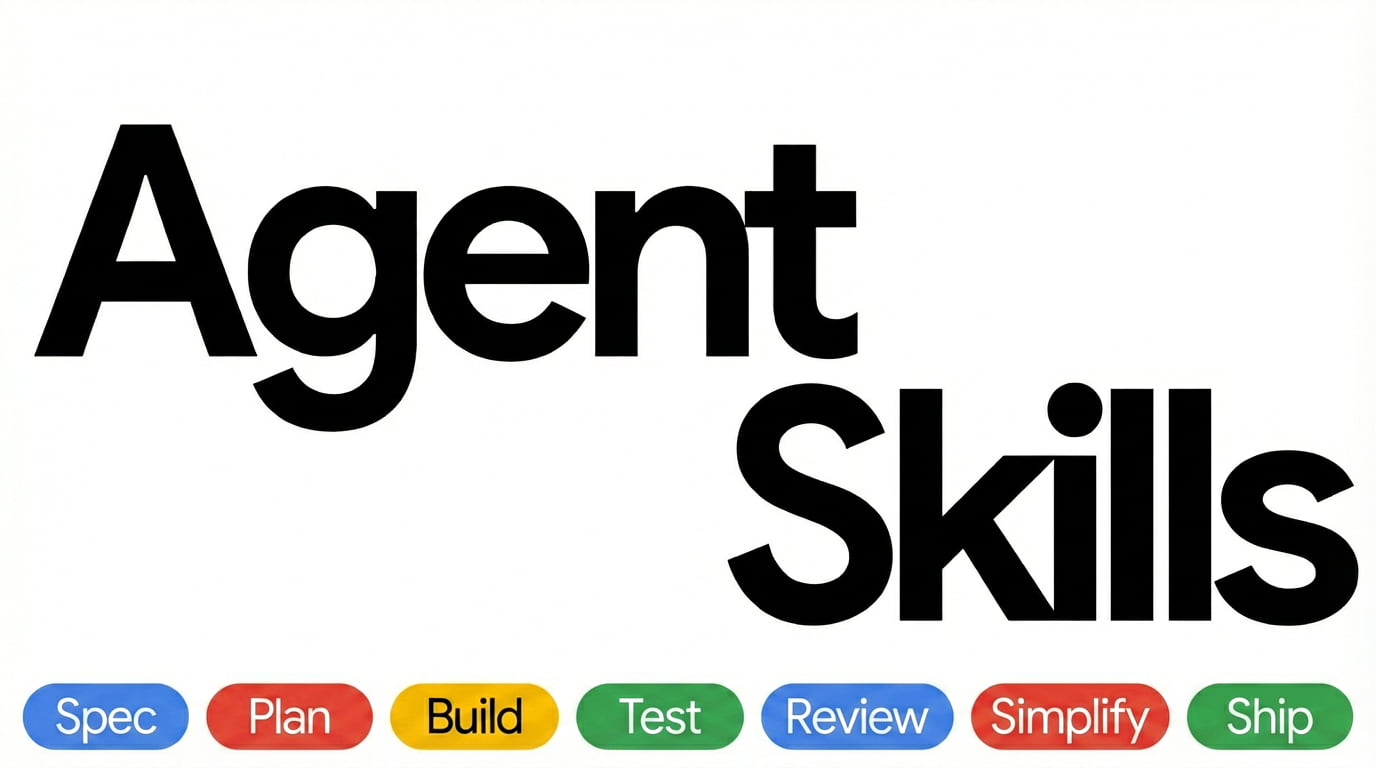
  DEFINE          PLAN           BUILD          VERIFY         REVIEW          SHIP
 ┌──────┐      ┌──────┐      ┌──────┐      ┌──────┐      ┌──────┐      ┌──────┐
 │ Idea │ ───▶ │ Spec │ ───▶ │ Code │ ───▶ │ Test │ ───▶ │  QA  │ ───▶ │  Go  │
 │Refine│      │  PRD │      │ Impl │      │Debug │      │ Gate │      │ Live │
 └──────┘      └──────┘      └──────┘      └──────┘      └──────┘      └──────┘
  /spec          /plan          /build        /test         /review       /ship
Commands
9 slash commands that map to the development lifecycle. Each one activates the right skills automatically.
| What you're doing | Command | Key principle |
|---|---|---|
| Define what to build | /spec | Spec before code |
| Plan how to build it | /plan | Small, atomic tasks |
| Build incrementally | /build | One slice at a time |
| Prove it works | /test | Tests are proof |
| Set the quality bar | /constraints | Decide it once, enforce it everywhere |
| Review before merge | /review | Improve code health |
| Audit web performance | /webperf | Measure before you optimize |
| Simplify the code | /code-simplify | Clarity over cleverness |
| Ship to production | /ship | Faster is safer |
In Claude Code these install as plugin commands. Where a built-in command has the same name, as /review does, use the namespaced form: /agent-skills:review.
Want fewer manual steps once the spec exists? /build auto generates the plan and implements every task in a single approved pass — you approve the plan once, then it runs autonomously. It removes the human stepping between tasks, not the verification: every task is still test-driven and committed individually, and it pauses on failures or risky steps.
Skills also activate automatically based on what you're doing — designing an API triggers api-and-interface-design, building UI triggers frontend-ui-engineering, and so on.
Quick Start
Fastest path — any agent, one command. The open skills CLI installs into 70+ agents (Claude Code, Cursor, Codex, Copilot, Cline, and more):
npx skills add addyosmani/agent-skills            # install all 25 skills
npx skills add addyosmani/agent-skills --list     # browse before installing
Or grab individual skills:
npx skills add addyosmani/agent-skills --skill code-review-and-quality   # five-axis review before merge
npx skills add addyosmani/agent-skills --skill interview-me              # requirements interrogation, one question at a time
npx skills add addyosmani/agent-skills --skill test-driven-development   # red-green-refactor, enforced
Installing one skill? A per-skill
npxinstall copies onlyskills//, not the repo-levelreferences/directory. The skill still works, but paths to supplementary shared checklists are unavailable. Use a whole-repo integration, clone the repository, or copy the needed checklist into areferences/directory inside the installed skill. This portability gap is tracked in #361.
Prefer a native integration? Pick your tool below.
Claude Code (recommended)
Marketplace install:
/plugin marketplace add addyosmani/agent-skills
/plugin install agent-skills@addy-agent-skills
SSH errors? The marketplace clones repos via SSH. If you don't have SSH keys set up on GitHub, either add your SSH key or use the full HTTPS URL to force HTTPS cloning during the marketplace-add step:
/plugin marketplace add https://github.com/addyosmani/agent-skills.git
/plugin install agent-skills@addy-agent-skills
If
/plugin installstill fails withgit@github.com: Permission denied (publickey)on Windows or macOS, the recommended workaround is to configure Git once to rewrite GitHub SSH URLs to HTTPS for subprocess clones:git config --global url."https://github.com/".insteadOf git@github.com:
Local / development:
git clone https://github.com/addyosmani/agent-skills.git
claude --plugin-dir /path/to/agent-skills
Cursor
Put workflow skills under .cursor/skills/ (sync from agent-skills/skills/) and short policies in .cursor/rules/*.mdc — do not paste full skills into rules. Both directories live in your project; this repo does not ship a .cursor/ folder. See docs/cursor-setup.md.
Antigravity CLI
Install as a native plugin for skills and subagents. In affected Antigravity CLI releases, legacy command TOMLs are reported as converted but their wrapper commands are not discoverable; invoke the underlying namespaced skills directly. See docs/antigravity-setup.md.
Install from the repo:
agy plugin install https://github.com/addyosmani/agent-skills.gitInstall from a local clone:
git clone https://github.com/addyosmani/agent-skills.git
agy plugin install ./agent-skills
Gemini CLI
Install as native skills for auto-discovery, or add to GEMINI.md for persistent context. See docs/gemini-cli-setup.md.
Install from the repo:
gemini skills install https://github.com/addyosmani/agent-skills.git --path skillsInstall from a local clone:
gemini skills install ./agent-skills/skills/Windsurf
Add skill contents to your Windsurf rules configuration. See docs/windsurf-setup.md.
OpenCode
Copy skills to .opencode/skills/ (or ~/.config/opencode/skills/), add a project-local AGENTS.md, and use the built-in skill tool for agent-driven execution. Optional slash commands can be added under .opencode/commands/.
GitHub Copilot
Use agent definitions from agents/ as Copilot personas and skill content in .github/copilot-instructions.md. The lifecycle slash commands (/spec, /plan, /build, /test, /review, /ship) are Claude Code commands and do not appear in Copilot; invoke the skills by name (/spec-driven-development, …) instead. See docs/copilot-setup.md.
Using the standalone copilot CLI? Install it as a plugin — see docs/copilot-cli-setup.md.
Kiro IDE & CLI Skills for Kiro reside under ".kiro/skills/" and can be stored under Project or Global level. Kiro also supports Agents.md. See Kiro docs at https://kiro.dev/docs/skills/
Codex
Install as a native Codex plugin (Codex CLI v0.122+):
codex plugin marketplace add addyosmani/agent-skills
codex plugin add agent-skills@agent-skills
The first command registers the marketplace; the second installs the plugin. Codex reads the root skills/ directory directly through .codex-plugin/plugin.json. Once installed, invoke skills in chat using @ (e.g., @spec-driven-development). See docs/codex-setup.md for local installation and troubleshooting.
Command Code
Install natively with the built-in cmd skills command. Command Code clones the repo, discovers every SKILL.md, and installs into .commandcode/skills/:
cmd skills add addyosmani/agent-skills            # pick skills to install (project)
cmd skills add addyosmani/agent-skills --global   # install for all projects (~/.commandcode/skills/)
cmd skills add addyosmani/agent-skills -s spec-driven-development  # install a specific skill
Installed skills show up in the TUI slash menu, e.g. /spec-driven-development. See docs/commandcode-setup.md.
Other Agents
Skills are plain Markdown - they work with any agent that accepts system prompts or instruction files. See docs/getting-started.md. Hosts that install the pack but aren't listed above are in docs/other-hosts.md.
Adoption
Already installed? How you roll the pack out depends on your codebase. The Adoption Guide covers two paths: the full lifecycle from day one for a greenfield project, or an incremental, verification-first rollout for an established codebase.
All 25 Skills
The commands above are entry points. The pack includes 25 skills total — 24 lifecycle skills plus the using-agent-skills meta-skill. Each skill is a structured workflow with steps, verification gates, and anti-rationalization tables. You can also reference any skill directly.
Meta - Discover which skill applies
| Skill | What It Does | Use When |
|---|
What people ask about agent-skills
What is addyosmani/agent-skills?
addyosmani/agent-skills is subagents for the Claude AI ecosystem. Production-grade engineering skills for AI coding agents. It has 109.8k GitHub stars and its last recorded update is dated 2026-10-13.
How do I install agent-skills?
You can install agent-skills by cloning the repository (https://github.com/addyosmani/agent-skills) or following the README instructions on GitHub. ClaudeWave also provides quick install blocks on this page.
Is addyosmani/agent-skills safe to use?
Our security agent has analyzed addyosmani/agent-skills and assigned a Trust Score of 100/100 (tier: Verified). See the full breakdown of passed checks and flags on this page.
Who maintains addyosmani/agent-skills?
addyosmani/agent-skills is maintained by addyosmani. The last recorded GitHub activity is dated 2026-10-13, with 148 open issues.
Are there alternatives to agent-skills?
Yes. On ClaudeWave you can browse similar subagents at /categories/agents, sorted by popularity or recent activity.
Maintain this repo? Show its Trust Score in your README
The badge shows this repository's current Trust Score and verdict, and links back to this page. It follows the catalogue data: nobody can buy or edit the score it displays.
[](https://claudewave.com/en/repo/addyosmani-agent-skills)<a href="https://claudewave.com/en/repo/addyosmani-agent-skills"><img src="https://claudewave.com/api/badge/addyosmani-agent-skills" alt="ClaudeWave Trust Score for addyosmani/agent-skills" width="320" height="64"></a>