

nacos
an easy-to-use dynamic service discovery, configuration and service management platform for building AI cloud native applications.
- 33.5k stars
- 13.3k forks
- 199 open issues
- Language: Java
- License: Apache-2.0
- updated
Install
git clone https://github.com/alibaba/nacos- Run the command above in your terminal (Claude Code), or paste the JSON config into claude_desktop_config.json (Claude Desktop).
- Replace any <placeholder> values with your API keys or paths.
- Restart Claude. The MCP server and its tools appear automatically.
Clone https://github.com/alibaba/nacos and follow its README for install instructions.
Editor's note
Nacos is a Java-based platform from Alibaba that handles dynamic service discovery, distributed configuration management, DNS-based routing, and service metadata management for microservice architectures. It integrates with Dubbo/gRPC, Spring Cloud, and Kubernetes, allowing services to register and discover each other over HTTP or DNS interfaces and to receive configuration updates without redeployment. In the context of the Claude and broader AI ecosystem, Nacos now positions itself as an MCP server and registry, meaning it can store, manage, and expose MCP tool registrations, agent skills, and prompts to Claude-compatible clients and AI agents. Its repository topics reference MCP management, MCP registry, agent registries, and A2A (agent-to-agent) registries, suggesting it serves as a centralized control plane where AI agents built around Claude or other systems can discover available tools and services at runtime. Teams building distributed AI applications who need a single registry to manage both traditional microservice endpoints and Claude-facing MCP tool definitions would be the primary beneficiaries.
MCP Servers overview
Nacos: Dynamic Naming and Configuration Service






What does it do
Nacos (official site: nacos.io) is an easy-to-use platform designed for dynamic service discovery and configuration and service management. It helps you to build cloud native applications and microservices platform easily.
Service is a first-class citizen in Nacos. Nacos supports almost all type of services,for example,Dubbo/gRPC service, Spring Cloud RESTFul service or Kubernetes service.
Nacos provides four major functions.
Service Discovery and Service Health Check
Nacos makes it simple for services to register themselves and to discover other services via a DNS or HTTP interface. Nacos also provides real-time health checks of services to prevent sending requests to unhealthy hosts or service instances.
Dynamic Configuration Management
Dynamic Configuration Service allows you to manage configurations of all services in a centralized and dynamic manner across all environments. Nacos eliminates the need to redeploy applications and services when configurations are updated, which makes configuration changes more efficient and agile.
Dynamic DNS Service
Nacos supports weighted routing, making it easier for you to implement mid-tier load balancing, flexible routing policies, flow control, and simple DNS resolution services in the production environment within your data center. It helps you to implement DNS-based service discovery easily and prevent applications from coupling to vendor-specific service discovery APIs.
Service and MetaData Management
Nacos provides an easy-to-use service dashboard to help you manage your services metadata, configuration, kubernetes DNS, service health and metrics statistics.
Quick Start
It is super easy to get started with your first project.
Deploying Nacos on cloud
You can deploy Nacos on cloud, which is the easiest and most convenient way to start Nacos.
Use the following Nacos deployment guide to see more information and deploy a stable and out-of-the-box Nacos server.
Start by the provided startup package
Step 1: Download the binary package
You can download the package from the latest stable release.
Take release nacos-server-1.0.0.zip for example:
unzip nacos-server-1.0.0.zip
cd nacos/bin
Step 2: Start Server
On the Linux/Unix/Mac platform, run the following command to start server with standalone mode:
sh startup.sh -m standaloneOn the Windows platform, run the following command to start server with standalone mode. Alternatively, you can also double-click the startup.cmd to run NacosServer.
startup.cmd -m standaloneFor more details, see quick-start.
Quick start for other open-source projects:
Documentation
You can view the full documentation from the Nacos website.
You can also read this online eBook from the NACOS ARCHITECTURE & PRINCIPLES.
All the latest and long-term notice can also be found here from GitHub notice issue.
Contributing
Contributors are welcomed to join Nacos project. Please check CONTRIBUTING about how to contribute to this project.
How can I contribute?
Take a look at issues with tags marked
good first issueorcontribution welcome.Answer questions on issues.
Fix bugs reported on issues, and send us a pull request.
Review the existing pull request.
Improve the website, typically we need
blog post
translation on documentation
use cases around the integration of Nacos in enterprise systems.
Other Related Project Repositories
nacos-spring-project provides the integration functionality for Spring.
nacos-group is the repository that hosts the eco tools for Nacos, such as SDK, synchronization tool, etc.
spring-cloud-alibaba provides the one-stop solution for application development over Alibaba middleware which includes Nacos.
Contact
Gitter: Nacos's IM tool for community messaging, collaboration and discovery.
Twitter: Follow along for latest nacos news on Twitter.
Weibo: Follow along for latest nacos news on Weibo (Twitter of China version).
Nacos Segmentfault: Get latest notice and prompt help from Segmentfault.
Email Group:
users-nacos@googlegroups.com: Nacos usage general discussion.
dev-nacos@googlegroups.com: Nacos developer discussion (APIs, feature design, etc).
commits-nacos@googlegroups.com: Commits notice, very high frequency.
Join us from DingDing(Group 1: 21708933(full), Group 2: 30438813(full), Group 3: 31222241(full), Group 4: 12810027056).
DingDing Group QR Code

DingDing MCP Group QR Code

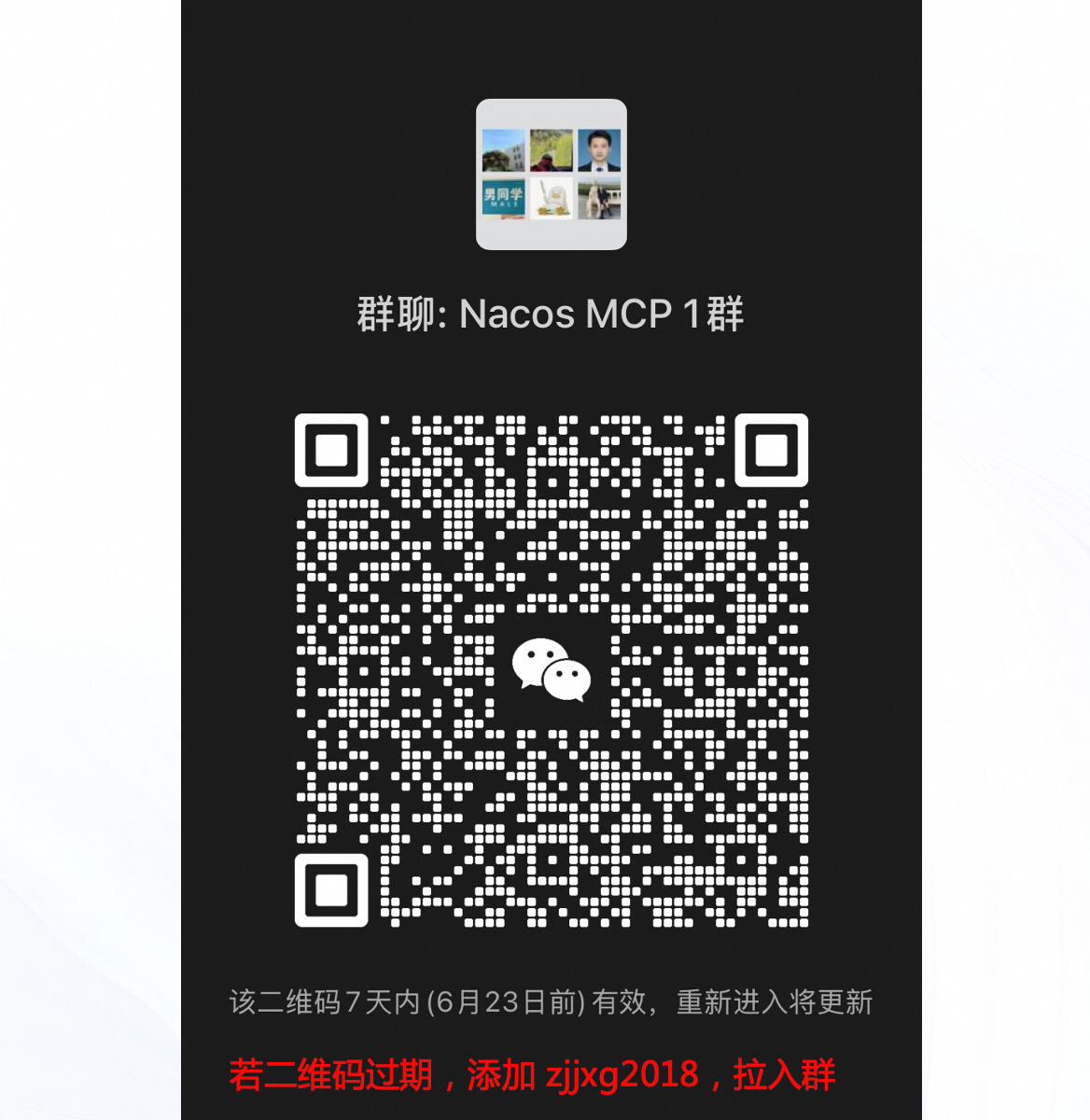
WeChat Group QR Code
Enterprise Service
If you need Nacos enterprise service support, or purchase cloud product services, you can join the discussion by scanning the following DingTalk group. It can also be directly activated and used through the microservice engine (MSE) provided by Alibaba Cloud. https://cn.aliyun.com/product/aliware/mse?spm=nacos-website.topbar.0.0.0
Download
Who is using
These are only part of the companies using Nacos, for reference only. If you are using Nacos, please add your company here to tell us your scenario to make Nacos better.
What people ask about nacos
What is alibaba/nacos?
alibaba/nacos is mcp servers for the Claude AI ecosystem. an easy-to-use dynamic service discovery, configuration and service management platform for building AI cloud native applications. It has 33.5k GitHub stars and its last recorded update is dated 2026-10-23.
How do I install nacos?
You can install nacos by cloning the repository (https://github.com/alibaba/nacos) or following the README instructions on GitHub. ClaudeWave also provides quick install blocks on this page.
Is alibaba/nacos safe to use?
Our security agent has analyzed alibaba/nacos and assigned a Trust Score of 100/100 (tier: Verified). See the full breakdown of passed checks and flags on this page.
Who maintains alibaba/nacos?
alibaba/nacos is maintained by alibaba. The last recorded GitHub activity is dated 2026-10-23, with 199 open issues.
Are there alternatives to nacos?
Yes. On ClaudeWave you can browse similar mcp servers at /categories/mcp, sorted by popularity or recent activity.
Maintain this repo? Show its Trust Score in your README
The badge shows this repository's current Trust Score and verdict, and links back to this page. It follows the catalogue data: nobody can buy or edit the score it displays.
[](https://claudewave.com/en/repo/alibaba-nacos)<a href="https://claudewave.com/en/repo/alibaba-nacos"><img src="https://claudewave.com/api/badge/alibaba-nacos" alt="ClaudeWave Trust Score for alibaba/nacos" width="320" height="64"></a>