

MCP server and API examples for OpenEphemeris — NASA JPL ephemeris API for AI agents
- ✓Open-source license (MIT)
- ✓Actively maintained (<30d)
- ✓Clear description
- ✓Topics declared
- ✓Documented (README)
claude mcp add openephemeris-mcp -- npx -y @smithery/cli{
"mcpServers": {
"openephemeris-mcp": {
"command": "npx",
"args": ["-y", "@smithery/cli"]
}
}
}MCP Servers overview
# OpenEphemeris MCP Server
[](https://smithery.ai/servers/open-ephemeris/openephemeris)
[](https://www.npmjs.com/package/@openephemeris/mcp-server)
[](https://status.openephemeris.com/)
[](LICENSE)
[](https://ssd.jpl.nasa.gov/planets/eph_export.html)
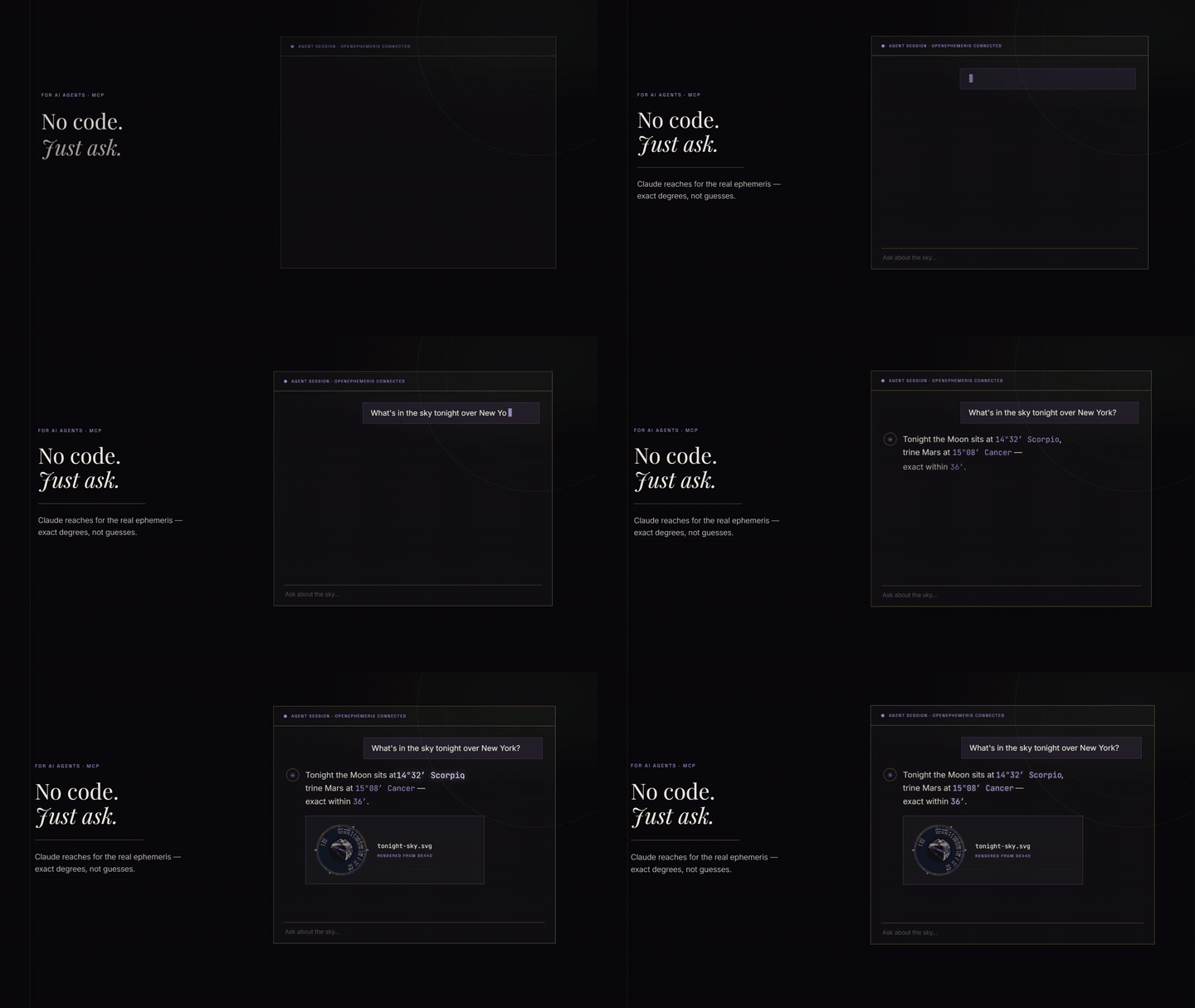
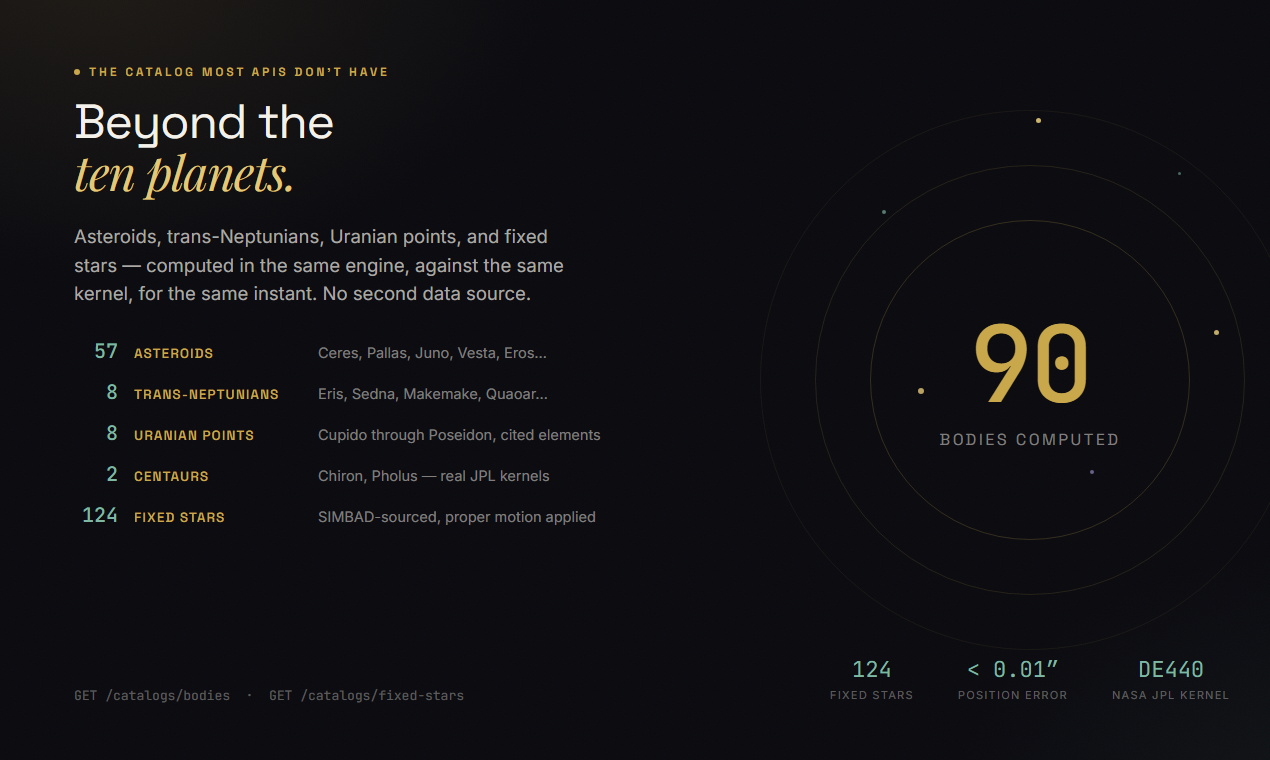
Model Context Protocol server for OpenEphemeris — typed astrology tools powered by the NASA JPL DE440 ephemeris. Zero hallucination on planetary positions, dates, and degrees. Covers 1,100 years of astronomical data.
**Hosted endpoint:** `https://mcp.openephemeris.com/mcp` (Streamable HTTP, MCP 2025-11-25 spec)
## Quick Start
### Install via Smithery (recommended)
The fastest way to connect any MCP-compatible client:
```bash
npx -y @smithery/cli install @open-ephemeris/openephemeris --client claude
```
Or browse the listing and copy connection snippets: **[smithery.ai/servers/open-ephemeris/openephemeris](https://smithery.ai/servers/open-ephemeris/openephemeris)**
---
### Connect via AI SDK (Vercel AI SDK)
```typescript
import Smithery from "@smithery/api"
import { createMCPClient } from "@ai-sdk/mcp"
import { generateText } from "ai"
import { anthropic } from "@ai-sdk/anthropic"
import { createConnection } from "@smithery/api/mcp"
const smithery = new Smithery()
const conn = await smithery.connections.create("{your-namespace}", {
mcpUrl: "https://server.smithery.ai/open-ephemeris/openephemeris",
headers: {
apiKey: "your-openephemeris-api-key", // get one free at openephemeris.com/dashboard
},
})
const { transport } = await createConnection({
client: smithery,
namespace: "{your-namespace}",
connectionId: conn.connectionId,
})
const mcpClient = await createMCPClient({ transport })
const tools = await mcpClient.tools()
const { text } = await generateText({
model: anthropic("claude-sonnet-4-20250514"),
tools,
prompt: "Calculate a natal chart for someone born April 15, 1990 at 2:30 PM in Chicago.",
})
await mcpClient.close()
```
### Connect via MCP SDK (TypeScript)
```typescript
import Smithery from "@smithery/api"
import { Client } from "@modelcontextprotocol/sdk/client/index.js"
import { createConnection } from "@smithery/api/mcp"
const smithery = new Smithery()
const conn = await smithery.connections.create("{your-namespace}", {
mcpUrl: "https://server.smithery.ai/open-ephemeris/openephemeris",
headers: {
apiKey: "your-openephemeris-api-key",
},
})
const { transport } = await createConnection({
client: smithery,
namespace: "{your-namespace}",
connectionId: conn.connectionId,
})
const mcpClient = new Client(
{ name: "my-app", version: "1.0.0" },
{ capabilities: {} }
)
await mcpClient.connect(transport)
const { tools } = await mcpClient.listTools()
const result = await mcpClient.callTool({
name: "ephemeris_natal_chart",
// A datetime that states a clock time must state its zone: either pass
// `timezone` alongside the local time, or put a Z/±HH:MM offset on the value.
arguments: {
datetime: "1990-04-15T14:30:00",
timezone: "America/Chicago",
latitude: 41.8781,
longitude: -87.6298,
format: "llm",
},
})
```
### Connect directly (Streamable HTTP, no Smithery)
```typescript
import { StreamableHTTPClientTransport } from "@modelcontextprotocol/sdk/client/streamableHttp.js"
import { Client } from "@modelcontextprotocol/sdk/client/index.js"
const transport = new StreamableHTTPClientTransport(
new URL("https://mcp.openephemeris.com/mcp"),
{ requestInit: { headers: { "X-API-Key": "your-openephemeris-api-key" } } }
)
const client = new Client({ name: "my-app", version: "1.0.0" }, { capabilities: {} })
await client.connect(transport)
```
---
### One-click install (Cursor)
<!-- GENERATED:CURSOR_INSTALL:BEGIN -->
[](cursor://anysphere.cursor-deeplink/mcp/install?name=openephemeris&config=eyJjb21tYW5kIjoibnB4IiwiYXJncyI6WyIteSIsIkBvcGVuZXBoZW1lcmlzL21jcC1zZXJ2ZXIiXSwiZW52Ijp7Ik9QRU5FUEhFTUVSSVNfUFJPRklMRSI6ImRldiIsIk9QRU5FUEhFTUVSSVNfQkFDS0VORF9VUkwiOiJodHRwczovL2FwaS5vcGVuZXBoZW1lcmlzLmNvbSIsIk9QRU5FUEhFTUVSSVNfQVBJX0tFWSI6IllPVVJfQVBJX0tFWV9IRVJFIn19)
> Replace `YOUR_API_KEY_HERE` in Cursor MCP settings with your API key from https://openephemeris.com/dashboard.
Cursor deeplink payload:
```json
{
"command": "npx",
"args": [
"-y",
"@openephemeris/mcp-server"
],
"env": {
"OPENEPHEMERIS_PROFILE": "dev",
"OPENEPHEMERIS_BACKEND_URL": "https://api.openephemeris.com",
"OPENEPHEMERIS_API_KEY": "YOUR_API_KEY_HERE"
}
}
```
<!-- GENERATED:CURSOR_INSTALL:END -->
### Manual install (stdio MCP clients)
```json
{
"mcpServers": {
"openephemeris": {
"command": "npx",
"args": ["-y", "@openephemeris/mcp-server"],
"env": {
"OPENEPHEMERIS_PROFILE": "dev",
"OPENEPHEMERIS_BACKEND_URL": "https://api.openephemeris.com",
"OPENEPHEMERIS_API_KEY": "YOUR_API_KEY_HERE"
}
}
}
}
```
### Platform guide
> **Detailed setup walkthroughs** for each platform are in [SETUP.md](./SETUP.md).
| Client | Install mode | Config location |
|---|---|---|
| Smithery | One-click | [smithery.ai](https://smithery.ai/servers/open-ephemeris/openephemeris) |
| Cursor | One-click deeplink or manual | `~/.cursor/mcp.json` |
| Claude Desktop (macOS) | Manual | `~/Library/Application Support/Claude/claude_desktop_config.json` |
| Claude Desktop (Windows) | Manual | `%APPDATA%\Claude\claude_desktop_config.json` |
| Windsurf | Manual | `~/.codeium/windsurf/mcp_config.json` (or legacy `~/.codeium/mcp_config.json`) |
| Claude Web / ChatGPT / remote clients | Hosted URL | `https://mcp.openephemeris.com/mcp` |
### Client install walkthroughs
1. Cursor
- Click the "Install in Cursor" button above, then replace `YOUR_API_KEY_HERE` in Cursor MCP settings.
- If you prefer manual setup, paste the `mcpServers.openephemeris` block from "Manual install" into `~/.cursor/mcp.json`.
2. Claude Desktop (macOS/Windows)
- Open the platform config file from the table above.
- Add the same `mcpServers.openephemeris` block from "Manual install".
- Restart Claude Desktop.
3. Windsurf
- Open `~/.codeium/windsurf/mcp_config.json` (or the legacy `~/.codeium/mcp_config.json` path).
- Add the `mcpServers.openephemeris` block from "Manual install".
- Restart Windsurf.
### Remote-only clients (Claude Web, ChatGPT, etc.)
The server is hosted at `https://mcp.openephemeris.com/mcp` with full Streamable HTTP support (MCP 2025-11-25 spec). Remote-only clients can connect directly — no bridge/proxy required:
- **Claude Web**: Add `https://mcp.openephemeris.com/mcp` as a custom connector URL — leave OAuth Client ID and Secret **blank**. The server uses OAuth 2.1 + PKCE (Dynamic Client Registration), so Claude handles authentication via a browser popup automatically.
- **Via Smithery**: Use the [Smithery listing](https://smithery.ai/servers/open-ephemeris/openephemeris) for managed connections with any client
- **Legacy SSE**: retired in 3.20.0 — use Streamable HTTP at `/mcp`
### Auth and upgrade behavior in MCP clients
- Missing/invalid credentials (`401`): tool call fails with a message that points users to sign up/sign in at `https://openephemeris.com/login?signup=true&redirect=%2Fdashboard%3Ftab%3Daccount`, then create/manage keys in `https://openephemeris.com/dashboard?tab=account`.
- Tier-gated endpoint (`403`): tool call returns an upgrade-required message with `https://openephemeris.com/pay` and dashboard billing/key management link.
- Monthly quota exhausted (`402`): tool call returns usage quota guidance with both dashboard (`/dashboard?tab=account`) and upgrade (`/pay`) links.
- Burst/rate limit (`429`): tool call returns retry guidance and links to dashboard usage monitoring.
## What You Can Ask
```
"Calculate a natal chart for 1990-04-15 at 2:30 PM in Chicago."
"Find all Saturn transits to my natal Sun in the next 6 months."
"Get the current moon phase and void-of-course status."
"Find the next solar eclipse visible from Tokyo."
"Find the best time to sign a contract in March — electional window."
"Generate a Human Design chart for my birth data."
"What is my Vedic (sidereal) chart?"
"Calculate my Chinese BaZi (Four Pillars) chart."
"Show me my Astrocartography power lines — where is my Venus line on the map?"
"Find all ACG lines within 3° of Paris for my chart."
"Calculate a synastry chart between two people."
"Find the next Venus Star Point and my relationship to it."
"What are the active planetary stations in the next 3 months?"
"Calculate primary directions for the next 5 years."
"Find my Firdaria time lord period."
"What is the sidereal time and delta-T right now?"
```
## Interactive Charts
Nine of the tools don't answer with JSON. They open a chart in the conversation — a real one, drawn from the same calculation, that you can click around in.
This matters more than it sounds. A natal chart returned as JSON is a list of numbers you have to already understand to read. The same chart rendered as a wheel is something you can point at. Click a planet and you get that placement explained; click a house and you get what's in it. The chart stays on screen while you keep talking, and it doesn't cost another creditWhat people ask about openephemeris-MCP
What is openephemeris/openephemeris-MCP?
+
openephemeris/openephemeris-MCP is mcp servers for the Claude AI ecosystem. MCP server and API examples for OpenEphemeris — NASA JPL ephemeris API for AI agents It has 3 GitHub stars and its last recorded update is dated 2026-08-23.
How do I install openephemeris-MCP?
+
You can install openephemeris-MCP by cloning the repository (https://github.com/openephemeris/openephemeris-MCP) or following the README instructions on GitHub. ClaudeWave also provides quick install blocks on this page.
Is openephemeris/openephemeris-MCP safe to use?
+
Our security agent has analyzed openephemeris/openephemeris-MCP and assigned a Trust Score of 95/100 (tier: Verified). See the full breakdown of passed checks and flags on this page.
Who maintains openephemeris/openephemeris-MCP?
+
openephemeris/openephemeris-MCP is maintained by openephemeris. The last recorded GitHub activity is dated 2026-08-23, with 0 open issues.
Are there alternatives to openephemeris-MCP?
+
Yes. On ClaudeWave you can browse similar mcp servers at /categories/mcp, sorted by popularity or recent activity.
Deploy openephemeris-MCP to your cloud
Ship this repo to production in minutes. Each platform spins up its own environment with editable env vars.
Maintain this repo? Add a badge to your README
Drop the badge into your GitHub README to show it's tracked on ClaudeWave. Each badge links back to this page and reflects the live Trust Score.
[](https://claudewave.com/repo/openephemeris-openephemeris-mcp)<a href="https://claudewave.com/repo/openephemeris-openephemeris-mcp"><img src="https://claudewave.com/api/badge/openephemeris-openephemeris-mcp" alt="Featured on ClaudeWave: openephemeris/openephemeris-MCP" width="320" height="64" /></a>More MCP Servers

Fair-code workflow automation platform with native AI capabilities. Combine visual building with custom code, self-host or cloud, 400+ integrations.

User-friendly AI Interface (Supports Ollama, OpenAI API, ...)

An open-source AI agent that brings the power of Gemini directly into your terminal.

Real-time global intelligence dashboard. AI-powered news aggregation, geopolitical monitoring, and infrastructure tracking in a unified situational awareness interface

The fastest path to AI-powered full stack observability, even for lean teams.

🕷️ An adaptive Web Scraping framework that handles everything from a single request to a full-scale crawl!